
Searching for a Warrant in Lynchburg City
Virginia’s Online Case Information System-Statewide Search, or OCIS, is the best public starting point for supported court cases. Choose the court level and Lynchburg City, then search by name, case number, or hearing date. General District Court information includes adult criminal and traffic cases; Circuit coverage is selective. OCIS helps locate a file, but it does not claim to be a complete statewide warrant database.
After a result appears, contact that court’s clerk to ask whether it shows an active capias, failure-to-appear warrant, or other process. A search with no result can miss JDR files, recent entries, sealed matters, or a case indexed under another court. The Magistrate’s Office handles new warrant applications and bail questions, while LPD Records and the Sheriff can route questions about agency-held records.
- Open OCIS and select the court level and Lynchburg City before searching.
- Use a legal name, case number, or hearing date; a prior summons can help identify the right case.
- Call General District, Circuit, or JDR depending on the case type and ask the clerk to confirm process.
- For an existing police record, make a specific written FOIA request to LPD or City FOIA.
- For a new criminal complaint or initial bail question, call the Magistrate’s Office, then ask a lawyer about the confirmed court process.
Lynchburg City OCIS Controls
OCIS is a court-case search, not a Sheriff warrant list. The official Virginia Judiciary page describes the courts and the search landing screen exposes several ways to reach a case. Use the court selector first. A result can give the next office to call, but it cannot confirm the current service or recall status by itself.
The OCIS search is shown below. Select a court level and locality before choosing the search mode.
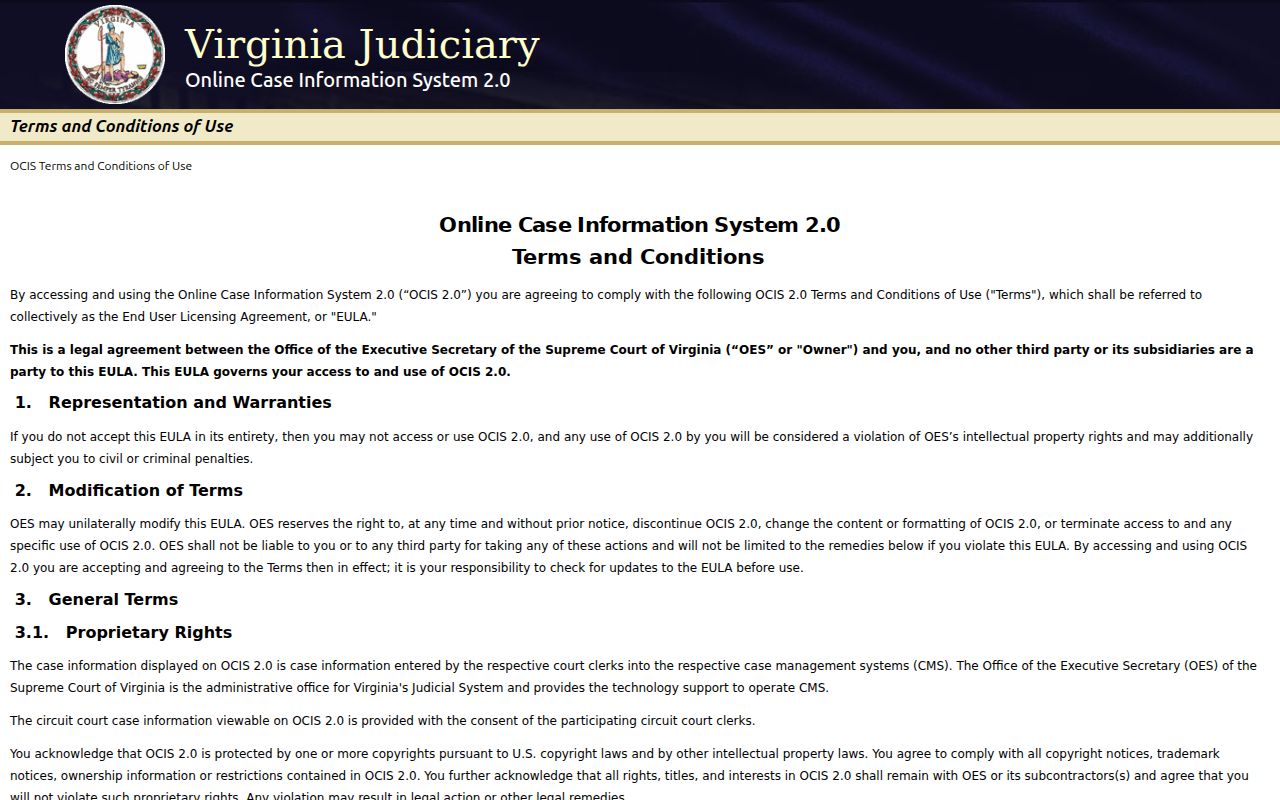
The landing screen offers name, case-number, and hearing-date searches. Payment is not handled in the statewide search.
The Virginia Judiciary case-information page explains that coverage varies by court.
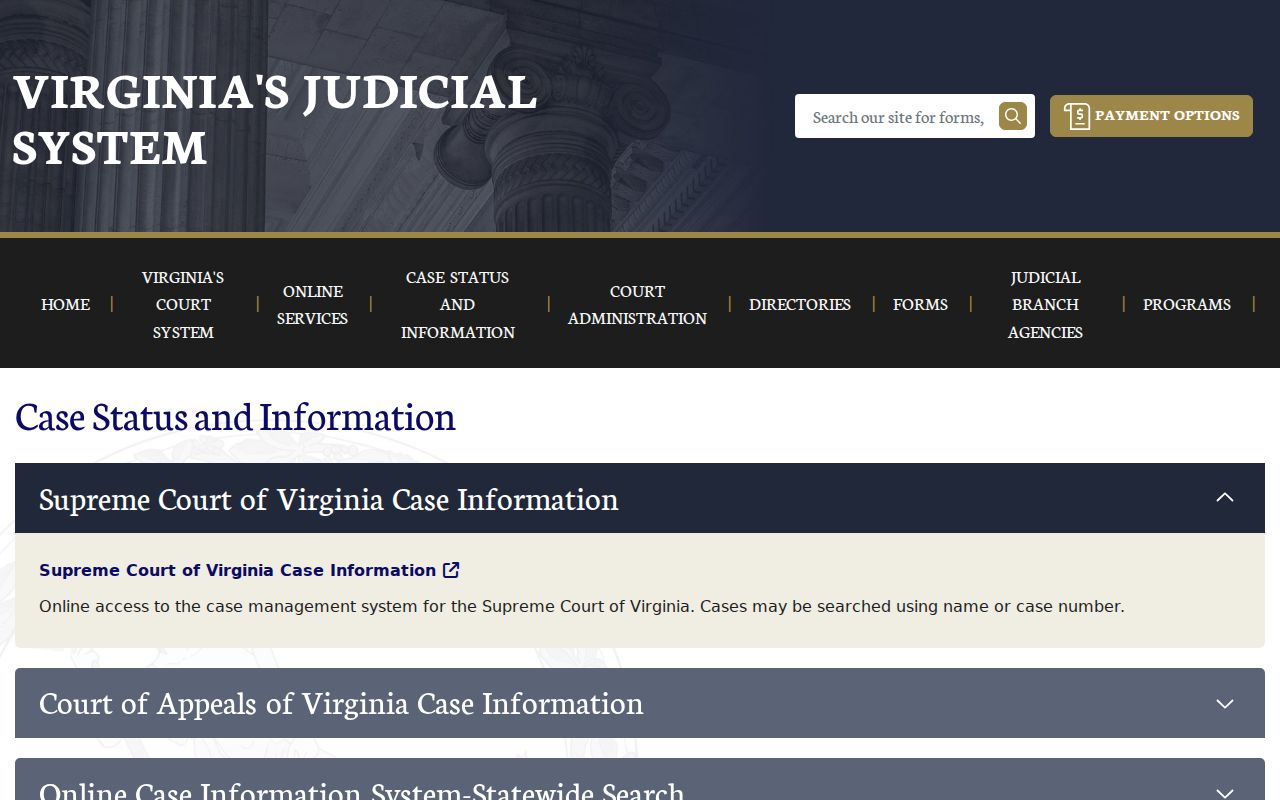
This distinction matters in Lynchburg City: an online case entry is a lead for the right clerk, not a complete warrant-status answer.
Warrant Search Fields Explained
The available search mode determines which field is required. A name search may return more than one person with the same name, so use a case number or hearing date to narrow the file when possible. The live system’s partial-name behavior and result limits were not established in the reviewed research.
| Field Label | Type | Required | Notes |
|---|---|---|---|
| Name | Text | For name mode | Use the name shown on the summons; confirm matches with the clerk. |
| Case number | Text | For number mode | Enter the number from court papers or supplied by the clerk. |
| Hearing date | Date or range | For date mode | May help locate a missed setting; not proof of an active warrant. |
| Court level | Selection | Choose a court path | General District, Circuit, JDR, or available combined options. |
| Court/locality | Selection | Choose Lynchburg City | Apply the selected court before submitting the search. |
Lynchburg City Court Dates
The City’s court-date page links visitors to Virginia’s case-information system and cautions that dates can change. Use the case record as a place to start, then call the clerk before travelling if the result is unclear. The page also says JDR case-management access is not available online.
That limit matters for family and juvenile matters. The Lynchburg court-date hub is pictured below; it is a routing page, not a warrant lookup.
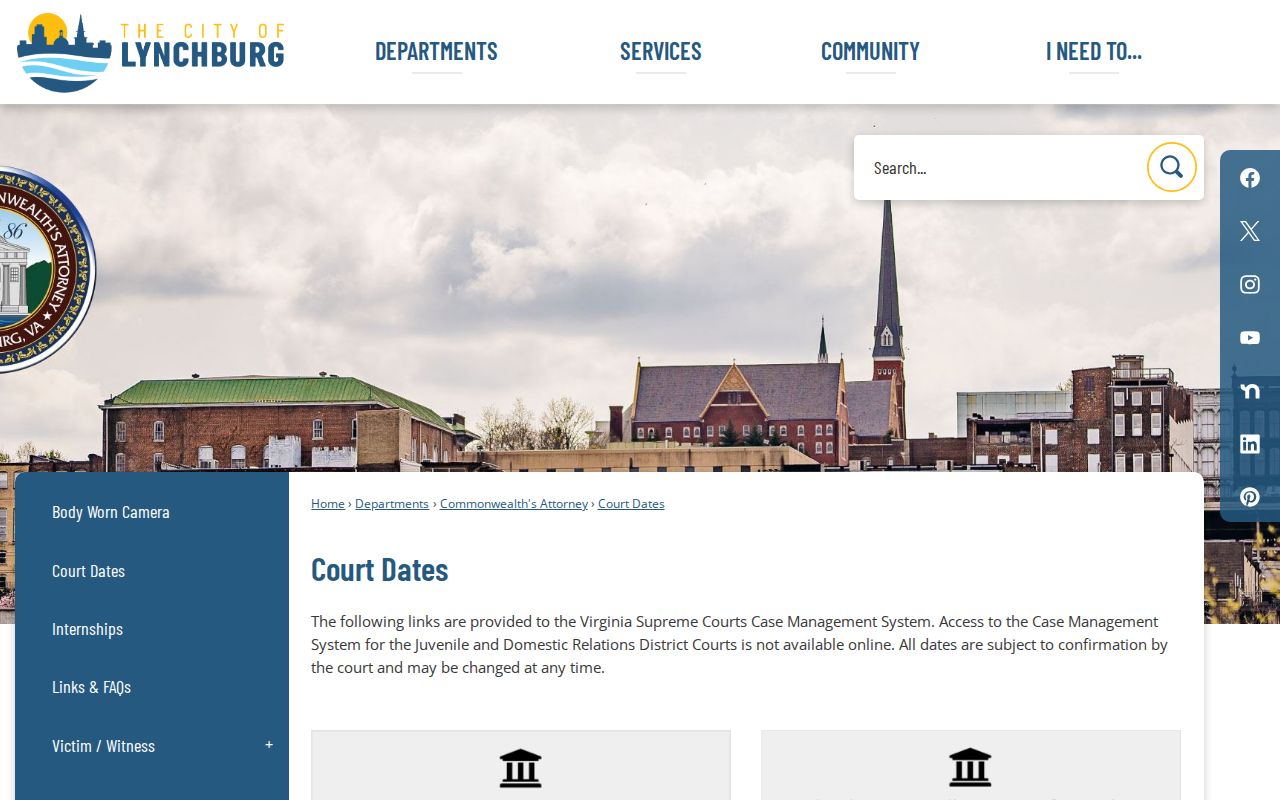
Confirm a date or process with the proper clerk. A hearing-date match alone does not say whether an order remains active.
Lynchburg City Warrant Confirmation at the Clerk
Virginia’s online display is case-focused. The clerk for the issuing court can explain whether process appears in the local file and which procedure applies next. For adult traffic and misdemeanor matters, call the General District criminal and traffic clerk at 434-455-2630. The court lists public hours from 8 a.m. to 4 p.m. and says monetary transactions end at 4 p.m. Ask about payment timing before travelling; paying a balance does not by itself prove that a warrant was recalled.
For Circuit files, call the clerk at 434-455-2620 or the Criminal Division at 434-455-2697. Confirm current hours and the correct division before a visit. If you have a case number, give it to the clerk so staff can distinguish the record from another matter with a similar name.
What a Warrant Search Shows
A result can show the court, case identifier, event date, charge or case type, and public status information. Those fields help identify the correct file. They do not always show a separate warrant entry or the time at which an officer can act on it, so confirm status with the issuing clerk.
| Case identifier | Case number and, for court-generated process, a unique OTN. No public number format was found. |
|---|---|
| Charge or case type | Use the entry to identify which court and process may apply. |
| Issuing court | General District, Circuit, or JDR may hold different stages of a case. |
| Bond or payment | Current terms are case-specific. OCIS statewide search does not take payment. |
| Process status | Confirm active, served, recalled, or returned status with the clerk. |
Lynchburg City Police Records Route
LPD keeps agency records apart from the court’s case index. Its Information Desk is 434-455-6041, Records Unit 434-455-6069, and Professional Standards/FOIA 434-455-6052. The Records Unit address is 3405 Odd Fellows Road. Confirm current public hours before a visit because the research did not establish a walk-in schedule.
The LPD contact page lists the records and information channels pictured below.
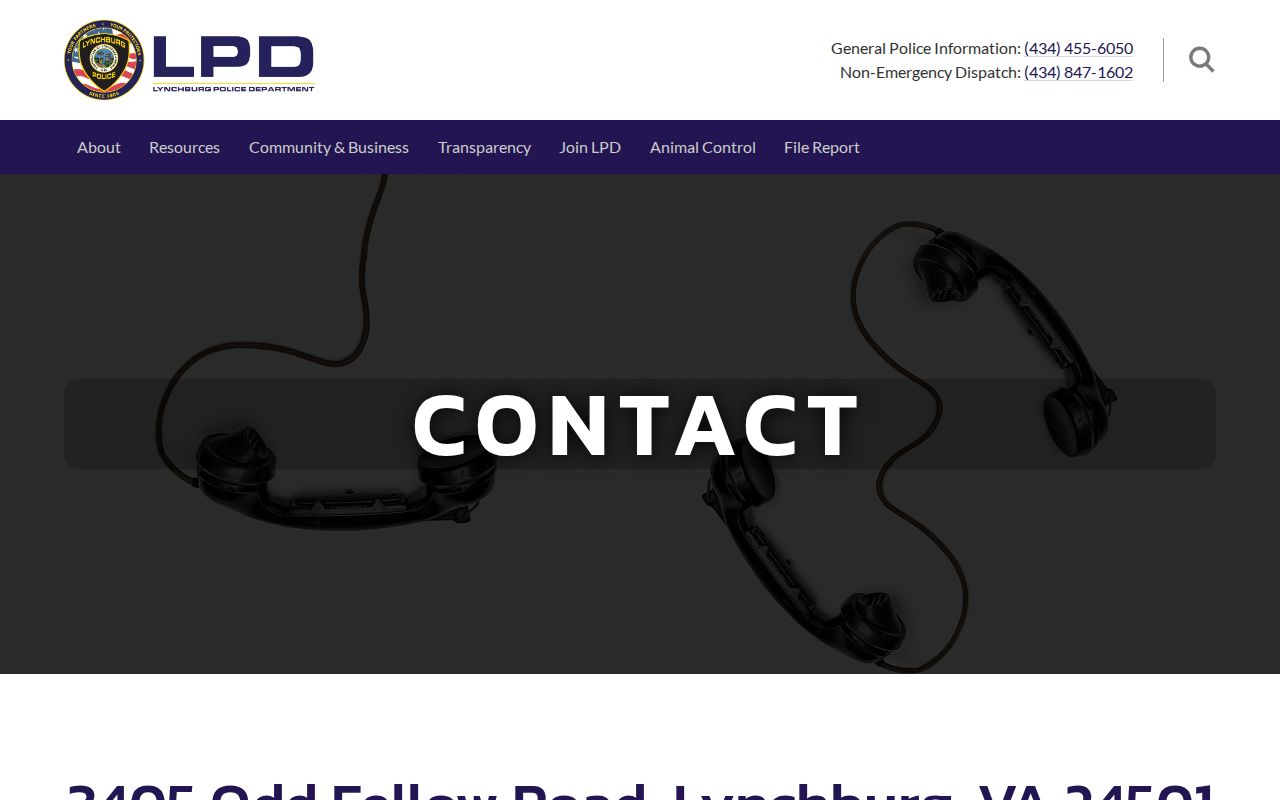
Use a written FOIA request for an existing police record that is not posted publicly. A request does not require LPD to create a new legal opinion or warrant-status report.
Where to Check Warrants in Lynchburg City
Use the court that handles the case: General District for adult traffic and misdemeanor matters, Circuit for felony trials and appeals, and JDR for juvenile and family matters. The Circuit clerk is at 900 Court Street; the General District Court and Sheriff are at 905 Court Street; JDR is at 909 Court Street. The offices share a public corridor, not one records desk.
For a criminal warrant application or initial bail question, LPD directs the public to the Magistrate’s Office at 524 9th Street, 434-847-1329. The Sheriff at 905 Court Street, 434-847-1301, can route questions about its service work, but no public Sheriff warrant search was located.
JDR Clerk
909 Court Street
434-455-2670
Ask about restricted juvenile and family records.
Lynchburg City FOIA Requests
If the needed item is an existing agency record, Virginia FOIA allows a specific request to the relevant office. LPD accepts requests by mail, fax, email, phone, in person, or through its linked portal. Identify the record, agency, date range, and case number if known. The first response is due within five working days, though the City may issue a written extension in the circumstances described by law.
Actual search and copy costs may be charged, and the City may seek a deposit when estimated charges exceed $200. Law-enforcement exemptions still apply. Requesting a record is different from asking the court to recall process; only the issuing court can take that action.
Restricted Warrants and Access Rules
Virginia FOIA does not make every warrant file public. Juvenile court and juvenile law-enforcement records receive separate protection. A law-enforcement agency may withhold investigative material under the statute, and a court may seal search-warrant papers temporarily. An online search with no result is not proof that no process exists.
Access rules:
Va. Code § 2.2-3706 governs access to law-enforcement records and allows limits on investigative files.
Va. Code § 16.1-305 protects juvenile court records; contact JDR or counsel for case-specific access.
Va. Code § 19.2-54 sets a separate inspection timeline for search-warrant affidavits and permits sealing.